Understanding Canonical Tags and Why They Matter for SEO
A canonical tag tells search engines which version of a page should be treated as the main one. When multiple URLs show the same or similar content, search engines might not know which to index. This confusion can split ranking signals and lower visibility.
Adding a canonical tag solves that problem. It helps Google, Bing, and other search engines understand your preferred version, merge duplicate signals, and focus on the correct URL.

For example, if your website has both
- https://example.com/page
- https://example.com/page?ref=123
you can use a canonical tag to point both to https://example.com/page. This small step helps protect your rankings and ensures all backlinks point to the main version.
What Is Duplicate Content and How Canonical Tags Solve It?
Duplicate content happens when similar text appears on multiple pages across the same site or different domains. Search engines struggle to decide which version to rank, causing keyword dilution.
Common Reasons for Duplicate Pages
- URL parameters such as tracking or sorting filters
- HTTP and HTTPS versions both accessible
- www and non-www duplicates
- Printer-friendly pages
- Pagination and category archives in CMS
- Similar product pages on eCommerce sites
How Canonicalization Fixes These Problems?
When you use the canonical tag, you tell search engines, “This is the master version.”
The tag consolidates all ranking power (link equity, backlinks, and crawl focus) into one URL. It helps Google avoid indexing the wrong versions while still allowing users to access them.
How Canonical Tags Work in Simple Terms?
Canonical tags use the HTML link element placed inside the <head> of a webpage.
Basic Syntax Example
<link rel=”canonical” href=”https://example.com/page” />
What Happens Behind the Scenes?
When Googlebot crawls your site, it reads the canonical tag and records your preferred URL. If duplicates are found, Google merges them under the canonical version.
This process improves crawl efficiency and prevents your site’s SEO value from being scattered across similar URLs.
Where to Place Canonical Tags Correctly?
For canonical tags to work properly, placement and syntax must be precise.

HTML Page Canonical
Always add the <link rel=”canonical”> tag inside the <head> section of your page code.
HTTP Header Canonical
For non-HTML files such as PDFs or images, you can specify canonical tags in the HTTP header.
Example: Link: <https://example.com/main-file.pdf>; rel=”canonical”
CMS or Plugin Integration
If you use WordPress, Rank Math, or Yoast SEO, most plugins automatically generate canonical tags for each page. Always verify the output in your page source to ensure accuracy.
When and Where You Should Use Canonical Tags?
Canonical tags are not needed on every page, but they are essential when duplication exists.

Ideal Scenarios
- Similar product or service pages with small content differences
- Pages accessible with multiple URLs (e.g., parameters, tracking IDs)
- Paginated content (?page=2, ?page=3)
- Syndicated content republished on other sites
- Near-duplicate localized pages (city or language variations)
Example in eCommerce
An online store might list the same shirt in different colors. Each variation page can have its own URL, but all should point to the main product page through a canonical tag.
Best Practices for Canonical Tag Implementation
1. Use Absolute URLs
Always use the full URL rather than relative paths.
Correct: <link rel=”canonical” href=”https://example.com/page” />
Incorrect: <link rel=”canonical” href=”/page” />
2. Keep Canonical URLs Indexable
Never point to a page with a noindex tag, redirect, or 404 error. Search engines ignore canonicals pointing to non-indexable URLs.
3. Include Self-Referencing Canonicals
Each page should reference itself. This ensures consistency and prevents ambiguity.
4. Avoid Multiple Canonicals
Only one canonical tag per page is allowed. Multiple entries confuse crawlers and reduce effectiveness.
5. Align Canonicals With Sitemaps
Your XML sitemap should list only canonical URLs, not their duplicates or variations.
6. Match Canonicals With Internal Links
Internal links should always point to the canonical version to reinforce consistency.
Canonical Tags and Pagination
Pagination often creates multiple pages (?page=1, ?page=2, etc.) with similar content.
How to Handle Pagination
- Each paginated page should have a self-referencing canonical tag.
- Do not canonicalize all pages to page 1 unless they’re truly duplicates.
- You can also use rel=”next” and rel=”prev” attributes for clear navigation signals.
This tells search engines that these pages are part of a sequence rather than separate content pieces.
Canonical Tags vs Redirects
Although both help with duplicate content, they work differently.
Redirect
A 301 redirect sends users and bots directly to another URL. It removes the old page from indexing.
Canonical
A canonical tag simply tells search engines which version to prefer but keeps other versions accessible to users.
Use redirects when pages are identical and no longer needed, and canonicals when multiple versions should stay live.
Canonical Tags and Sitemaps
The XML sitemap plays a key role in canonical consistency.
Why Alignment Matters
If your sitemap lists non-canonical or duplicate URLs, it sends mixed signals to search engines.
How to Ensure Alignment
- Include only canonical URLs in your sitemap.
- Remove URLs that redirect or are blocked by robots.txt.
- Keep your sitemap updated after content changes.
This ensures Google’s crawl and index data matches your preferred URL structure.
Canonical Tags and Cross-Domain Duplicate Content
Sometimes content is republished on another domain, such as guest posts or syndication.
Cross-Domain Canonicalization
You can tell Google which version should be treated as original using a cross-domain canonical tag.
Example: <link rel=”canonical” href=”https://originalsite.com/post” />. This helps preserve your content’s authority and prevents duplicate listings across multiple websites.
Canonical Tags for Local and Multi-Location Sites
Local businesses often create pages for multiple locations or service areas.
For example:
- example.com/dentist-newyork
- example.com/dentist-chicago
If these pages are too similar, canonical tags can point to a single main location page. However, if each page has unique content (different contact info, reviews, or offers), do not canonicalize them. Each should stand alone for local SEO.
Common Canonical Tag Mistakes That Hurt SEO
1. Pointing to the Wrong URL
If your canonical tag references a non-canonical or redirected page, it breaks the signal chain.
2. Missing Self-Referencing Tags
Pages without self-referential canonicals create confusion for search engines.
3. Using Canonicals With Noindex
Combining noindex and canonical tells Google to ignore both.
4. Duplicating Canonical Tags
Having multiple canonical tags in your code can cause conflicts.
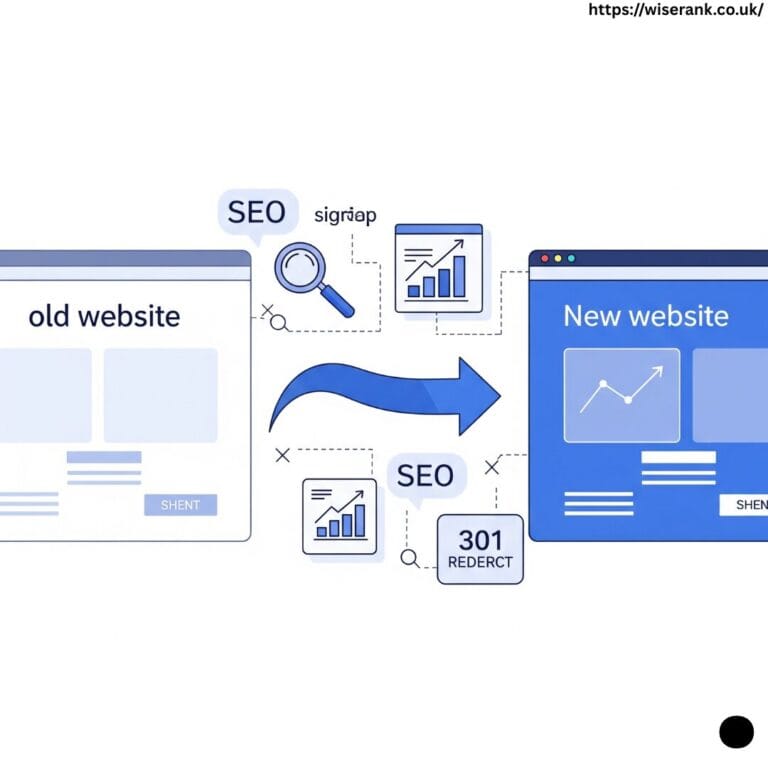
5. Forgetting Canonicals After Migration
After site redesign or domain change, old canonical tags might still reference outdated URLs.
6. Mixing HTTPS and HTTP
Always ensure your canonical URL matches your preferred protocol version.
How to Audit and Validate Canonical Tags
1. Use SEO Tools
Tools like Screaming Frog, Ahrefs, or Semrush can scan your site and list all canonical tags.
They help detect duplicates, broken canonicals, and non-indexable references.
2. Use Google Search Console
The URL Inspection Tool shows the canonical Google selected for indexing.
Compare it with your declared canonical to verify consistency.
3. Check Log Files
Server logs help identify how often search engines crawl your canonical vs duplicate pages.
4. Conduct Regular Reviews
Run a quarterly canonical audit, especially after site updates, redesigns, or CMS migrations.
Advanced Canonicalization Scenarios
Canonical in Dynamic Pages
For websites generating content through filters or AJAX, ensure canonical tags reference clean URLs.
Canonical in Multilingual Sites
When using hreflang, each language version should include a self-referencing canonical.
Do not point all to one main language page.
Canonical for Pagination and Filtering
Avoid canonicalizing every filtered or sorted URL to the same page. Instead, let search engines crawl primary filters and ignore minor ones through robots.txt.
Canonical Tags and Technical SEO Health
A properly implemented canonical system improves:
- Crawl Efficiency: Fewer duplicate pages waste crawl budget.
- Link Equity Consolidation: All backlinks merge to one main version.
- Indexing Accuracy: Google indexes only your preferred URLs.
- Ranking Stability: Reduces keyword cannibalization from similar pages.
Together, these benefits create a cleaner site architecture and stronger organic visibility.
Real-Life Example of Canonical Tag Fix
A fashion eCommerce website had product pages accessible with multiple tracking parameters. Google indexed thousands of duplicates, lowering site authority.
After adding proper canonical tags pointing to the main product URLs, the site’s indexed pages dropped by 60%, and rankings improved for key product terms within three weeks. This shows how canonical tags directly improve crawl quality and organic reach.
Monitoring Canonical Tags for Long-Term SEO Health
Keeping your canonical tags healthy is not a one-time setup. As your website grows, new pages, redirects, and design updates can create unexpected duplicates. Regular monitoring ensures your canonical structure continues guiding search engines correctly.
Check Canonicals After Site Changes
Whenever you redesign, migrate, or update your content, review all canonical tags. Old tags often point to outdated or redirected URLs. Using a crawler like Screaming Frog or Sitebulb helps detect broken or mismatched canonicals before they impact indexing.
Use Google Search Console Reports
Google Search Console shows which canonical URL Google selected for each page. Compare this with your declared canonical tag to confirm they match. If Google chooses a different version, it usually means there’s a stronger conflicting signal, such as redirects, duplicate internal links, or inconsistent sitemaps.
Set a Regular Audit Schedule
Schedule a technical SEO audit every three to six months. Recheck canonical consistency across your entire site, including new content and recently removed pages. Maintaining a clean canonical setup reduces crawl waste, prevents ranking drops, and keeps your SEO performance stable over time.
Conclusion
Canonical tags are one of the simplest yet most powerful tools in technical SEO. They protect your website from duplicate content problems, preserve link equity, and help search engines understand which version of your page matters most.
For consistent results, use self-referencing canonicals, align them with your sitemap, avoid conflicting directives, and run periodic audits. A clean canonical setup ensures your content stays visible, your rankings stable, and your SEO strong in 2025 and beyond.